Baristary

The shot timer that listens.

Baristary hears your espresso machine and times every shot on its own.

Download on the App Store Requires iOS 17 or later.

The Listen screen of Baristary: an empty cup seen from above, with rings slowly spreading around it while it listens. Below it: “Listening. Pull a shot. I'll take it from here.” Listening Pull a shot. I'll take it from here.

How it works

It hears your pump.

Pull a shot the way you always do. Baristary starts the timer with the first sound of your pump and stops it when the pump stops.
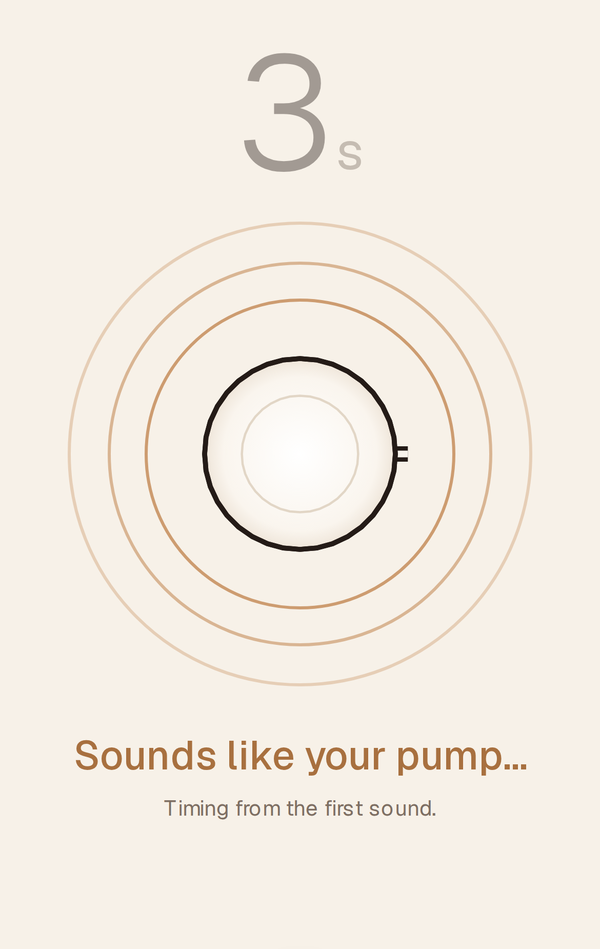
Baristary while a shot starts: the timer at 3 s in grey, caramel rings around the cup, and “Sounds like your pump… Timing from the first sound.”

Not every sound is a shot.

Set up once: grind, pull a shot, and steam milk if you like. Baristary learns how your machine sounds, so it can tell your pump from the rest of the kitchen.

Something else set it off? Tap “Not a shot” and Baristary learns from it.
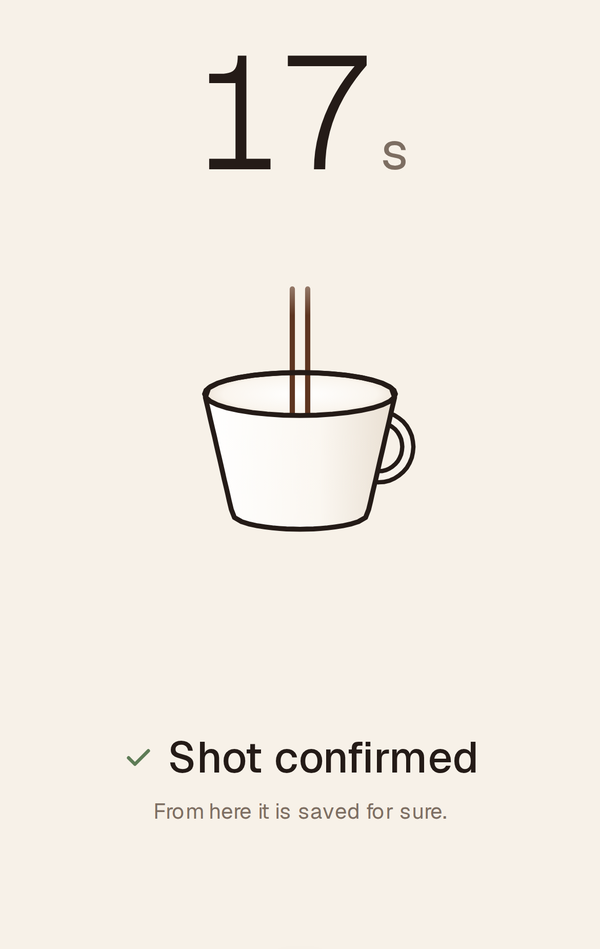
Baristary during a shot: the timer at 17 s, the cup seen from the side with two streams, and a green check with “Shot confirmed. From here it is saved for sure.”

Saved to your history.

The time goes into your history, and you see right away whether the shot landed in your sweet spot or ran fast or slow.

Missed one? Start the timer by hand with one tap.
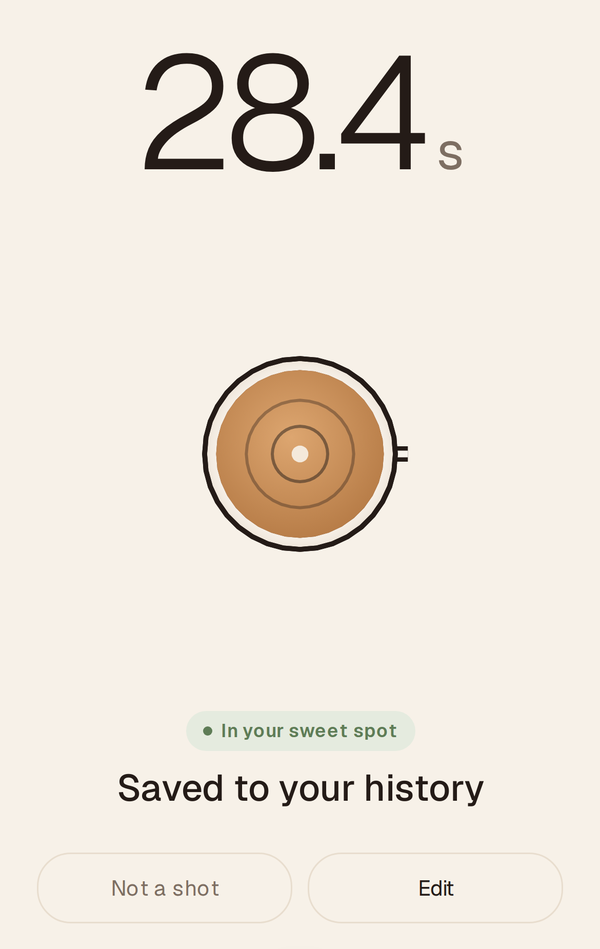
Baristary after the shot: 28.4 s, the cup from above with crema, the chip “In your sweet spot”, and the buttons “Not a shot” and “Edit”.
Baristary while a shot starts: the timer at 3 s in grey, caramel rings around the cup, and “Sounds like your pump… Timing from the first sound.” Baristary during a shot: the timer at 17 s, the cup seen from the side with two streams, and a green check with “Shot confirmed. From here it is saved for sure.” Baristary after the shot: 28.4 s, the cup from above with crema, the chip “In your sweet spot”, and the buttons “Not a shot” and “Edit”.

Private by design

  • Sound is analyzed on your iPhone. Audio is never uploaded.
  • No account, no ads, no tracking.
  • Your shots, beans and recordings stay on your iPhone and in your own iPhone backups.
  • iOS shows the microphone indicator whenever Baristary listens. Hold the cup to pause. With no shot for a while, it stops listening on its own.

Read the privacy policy

Made for dialing in

Your sweet spot
Set the time range you aim for, and every shot shows where it landed.
Your usual shot
Single or double, dose and yield.
Beans
Add the bean, roaster and roast date, and new shots are linked to it.
Tips
Tips that fit your machine, your grinder and your taste, if you want them. Or just the timer and a clean history.

Good to know

Made for espresso machines with an electric pump. Very quiet machines can be hard to hear; you can always start the timer by hand.

Keep your iPhone close to the machine while you pull a shot.

Requires iOS 17 or later.

Support

Questions, a shot it didn't hear, or an idea?

Get support